














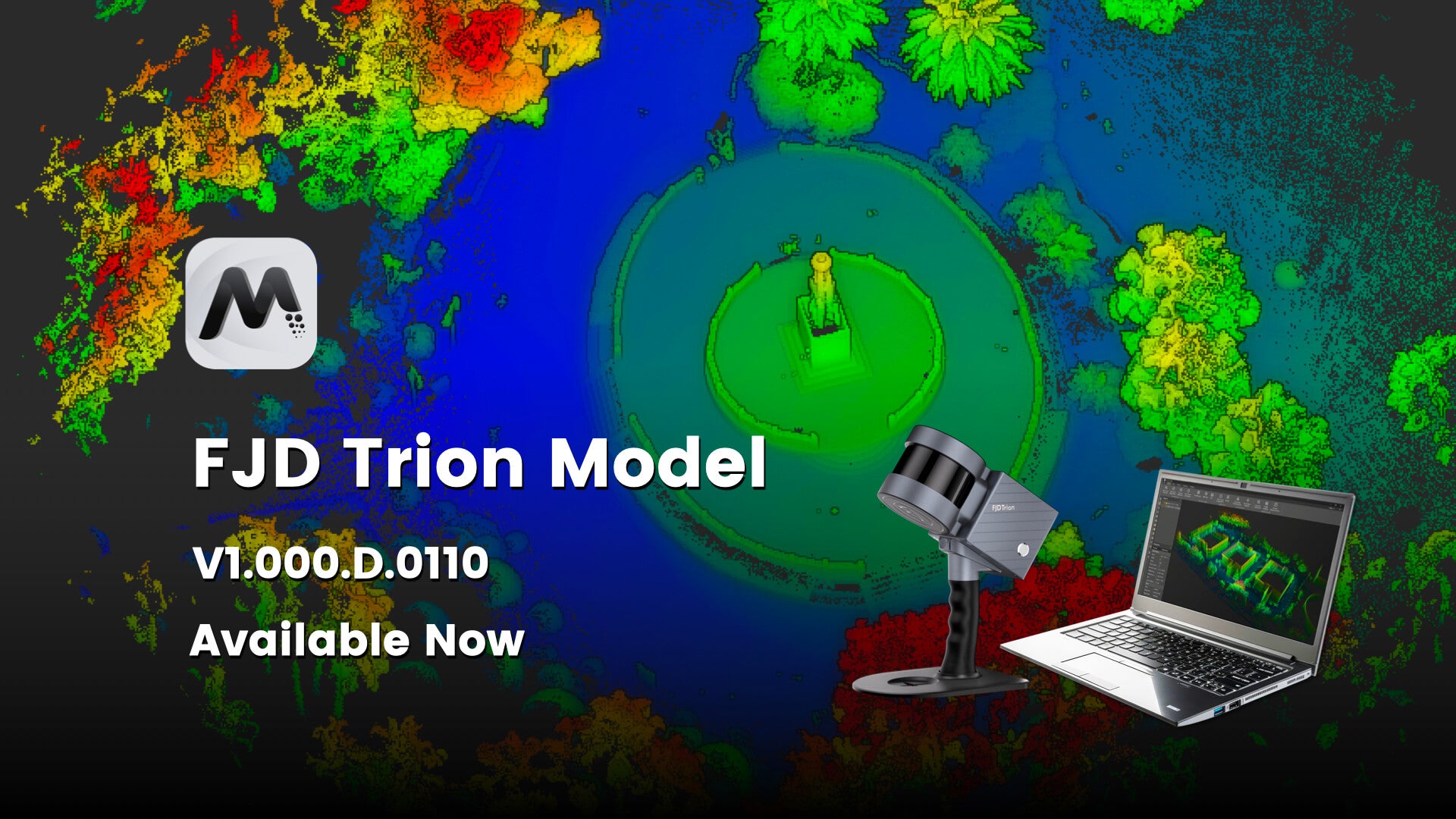
FJD Trion Model For FJD Trion 3D LiDAR Scanners
Tax included. Taxes and Shipping calculated at checkout
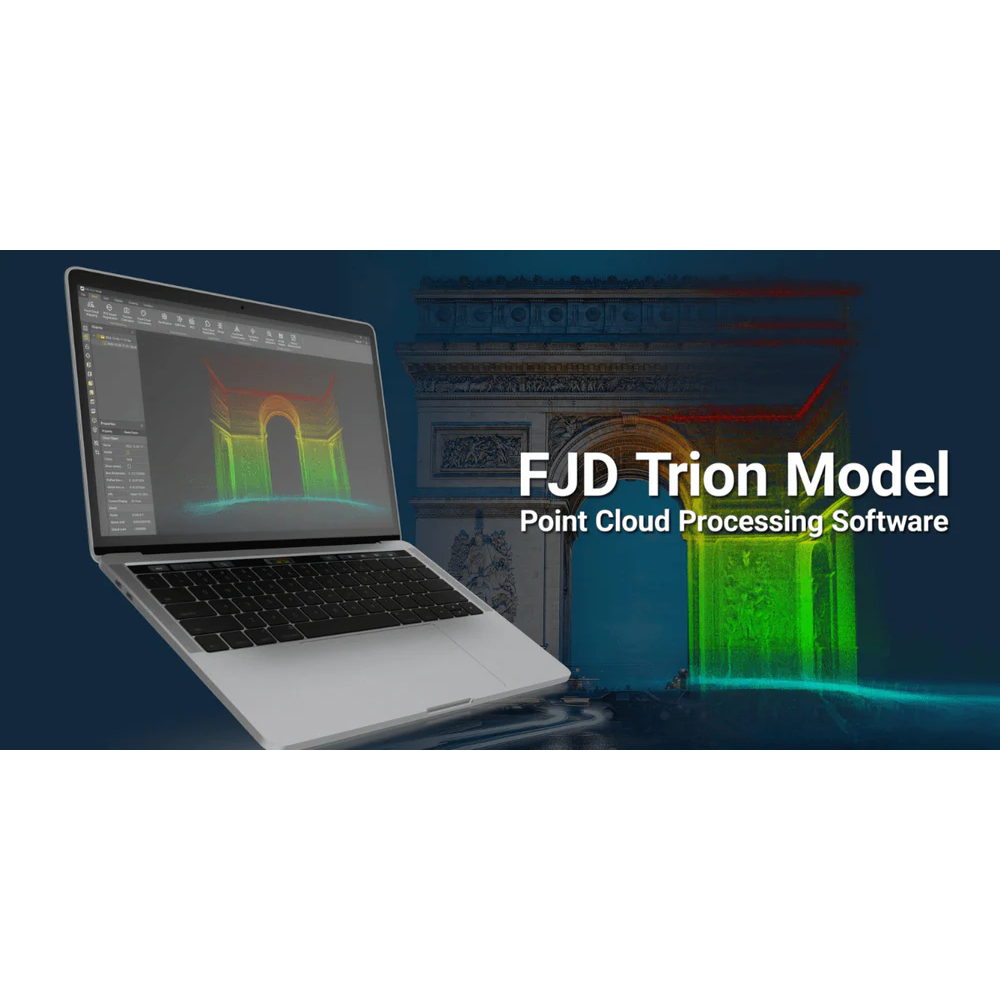
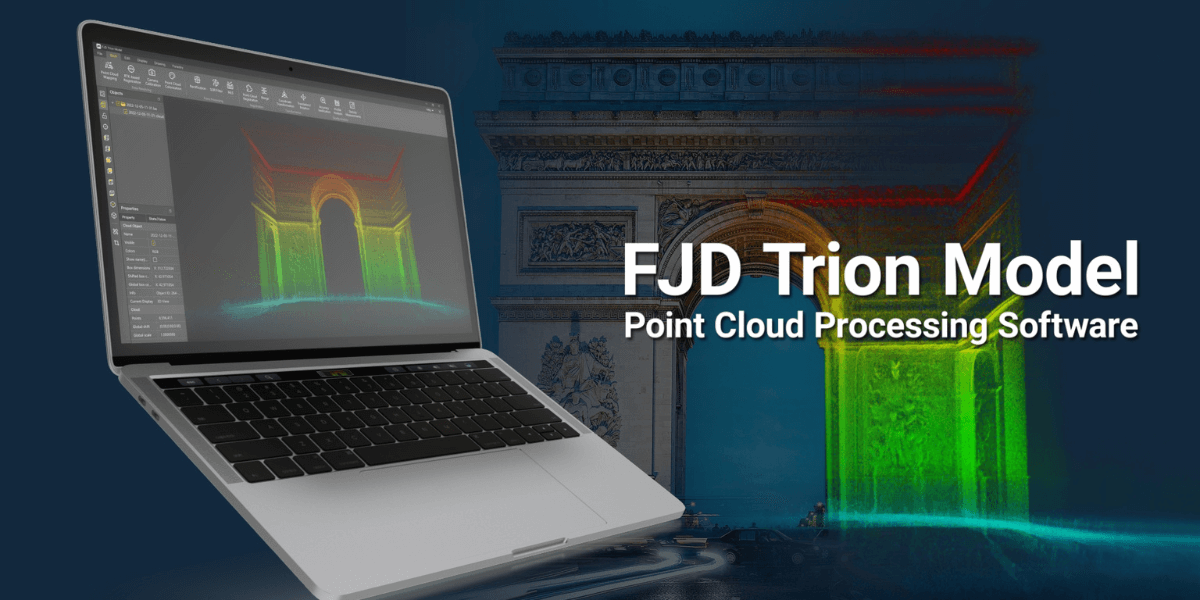
FJD Trion Model Point Cloud Processing Software
Experience the efficiency of trion model software for seamless point cloud data handling and analysis. This tool provides an easy-to-use interface tailored for beginners and experts alike. Multiple integrated functions allow smooth data import and thorough examination. By improving workflows, it delivers a complete all-in-one solution for point cloud processing.
It supports data from handheld and static scanners, airborne lidars, and autonomous vehicles, fitting diverse project requirements. Compatible with common point cloud formats like LAS, PLY, PTS, and E57, users confidently operate across many domains. Its flexibility earns trust in numerous applications.
User-Friendly Operation & Advanced Algorithm Support
Handling complex point cloud data becomes simple with an intuitive design combined with strong algorithms. Automation speeds up project delivery while maintaining accuracy and detail. The system provides intricate analytics without burdening users, promoting efficient workflows.
This software reduces manual steps by automating many tasks. The design grants beginners a quick start and includes advanced features for experts. This combination notably boosts productivity in data management and analysis.
Versatile All-in-One Solution with Integrated Modules
Our complete solution contains specialized modules for forestry, drawing, and robot mapping. Users enjoy smooth switching among functions without needing distinct tools. Whether handling architectural datasets or forestry projects, it adapts perfectly to professional needs.
Integration with project management software supports teamwork and task supervision. Collaborative workflows gain organization and transparency, enhancing communication during every project phase. This modular design is a valuable asset for multidisciplinary teams.
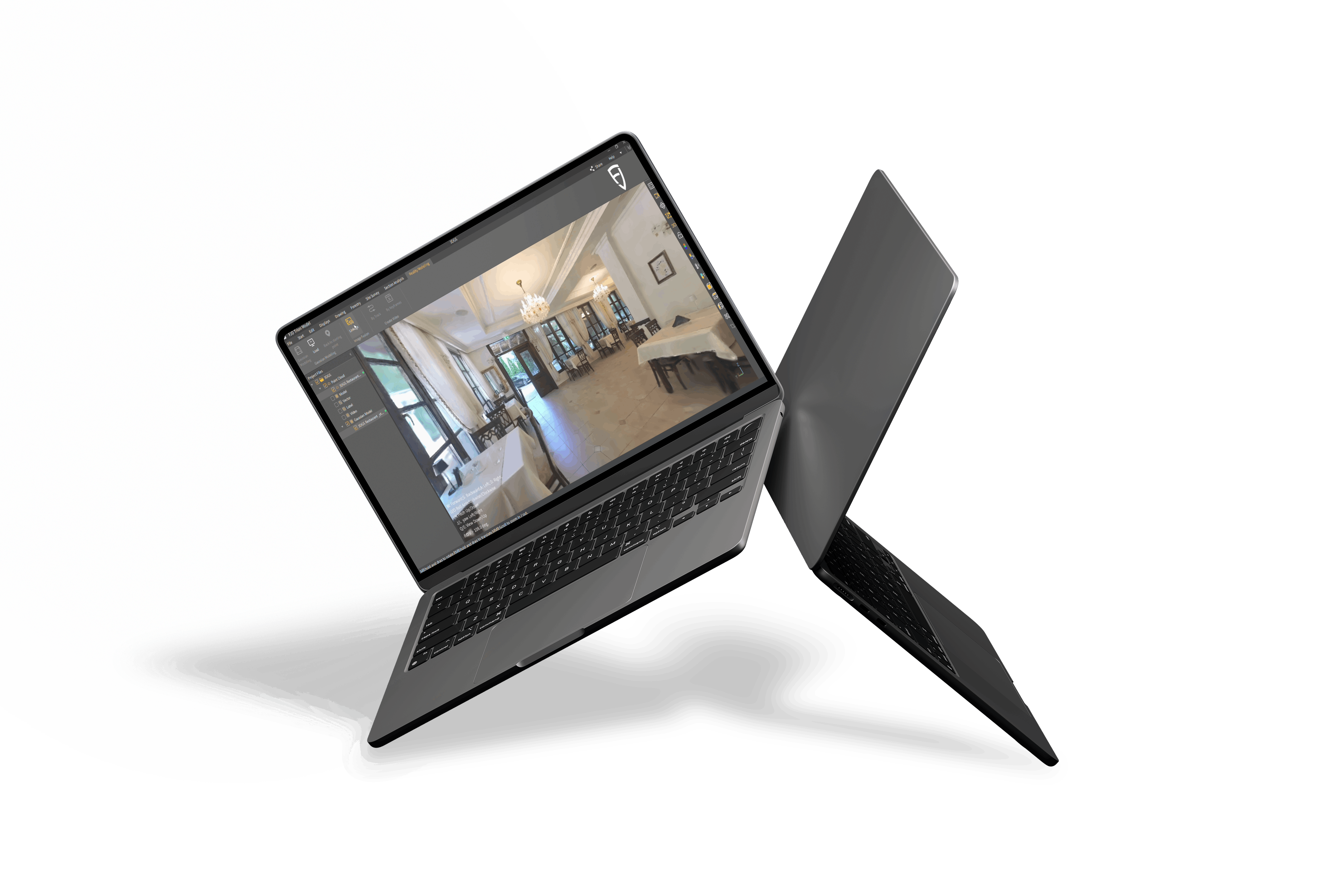
Efficient 3D Gaussian Splatting Technology in Trion Model Software
The trion model software uses advanced 3D Gaussian splatting to produce photorealistic scenes. This approach bypasses complex mesh creation and reduces manual modeling time. Users quickly generate immersive virtual environments, aiding architecture and cultural preservation.
This technology accelerates detailed representation creation, perfect for construction planning. It offers fast, effective digital twin experiences without sacrificing visual quality or precision. This innovation deeply transforms project reviews and presentations.
Multi-Platform Compatibility & On-the-Go Processing
The program runs smoothly on various operating systems and devices, designed for flexibility. Its lightweight build allows point cloud processing anytime and anywhere. This portability benefits teams working in the field or on distant assignments.
Smooth integration with creative cloud platforms makes project syncing and sharing straightforward. Users collaborate easily by sharing files and performing live edits, greatly enhancing capabilities beyond standard point cloud tasks.
Comprehensive Essential Processing Functions
- One-click correction quickly adjusts point cloud tilt
- Profile analysis measures cross-sections and assesses data quality accurately
- Volume calculation ensures precise stockpile and enclosed volume measurements
- Automatic classification of buildings, trees, and geological features benefits urban planning and forestry
These core features streamline workflows by reducing manual input significantly. Users have more time to extract valuable insights. The design optimizes efficiency while effectively protecting data integrity.
Convenient Data Sharing & Collaborative Workflows
Sharing project results is simple using built-in export tools for point cloud data, fly-through videos, and rendered outputs. These capabilities increase transparency and speed decision-making across teams. The platform proves reliable in distributed work environments and multidisciplinary projects.
Thanks to integration with project management software, teams achieve seamless collaboration. Real-time updates and sharing keep all members aligned and informed, boosting project outcomes and communication overall.
Wide-Ranging Application Scenarios
The trion model software supports industries that require precise point cloud analysis. From residential and commercial real estate to travel, hospitality, and architecture, it meets varied demands. The product helps teams assess risks, generate scan-to-CAD/BIM files, and deliver forestry or mining reports.
Its precision combined with ease of use greatly improves project success. Whether assisting urban planning or cultural preservation, this model enhances productivity across sectors. It remains a trusted solution adapting smoothly to evolving industry needs.
*The product key is compatible with FJD Trion 3D Lidar Scanner only.






Make Point Cloud Easy to Use
With user-friendly interface and leading algorithm, FJD Tion Model provides easy point cloud data manipulation and analysis. Intergrated with forestry module, drawing module and robot mapping module. Model streamlines the data import and analysis process, making it a one-stop-shop solution. Looking for a versatile, efficient, and high level integration point cloud processing software? Model will be your perfect choice!
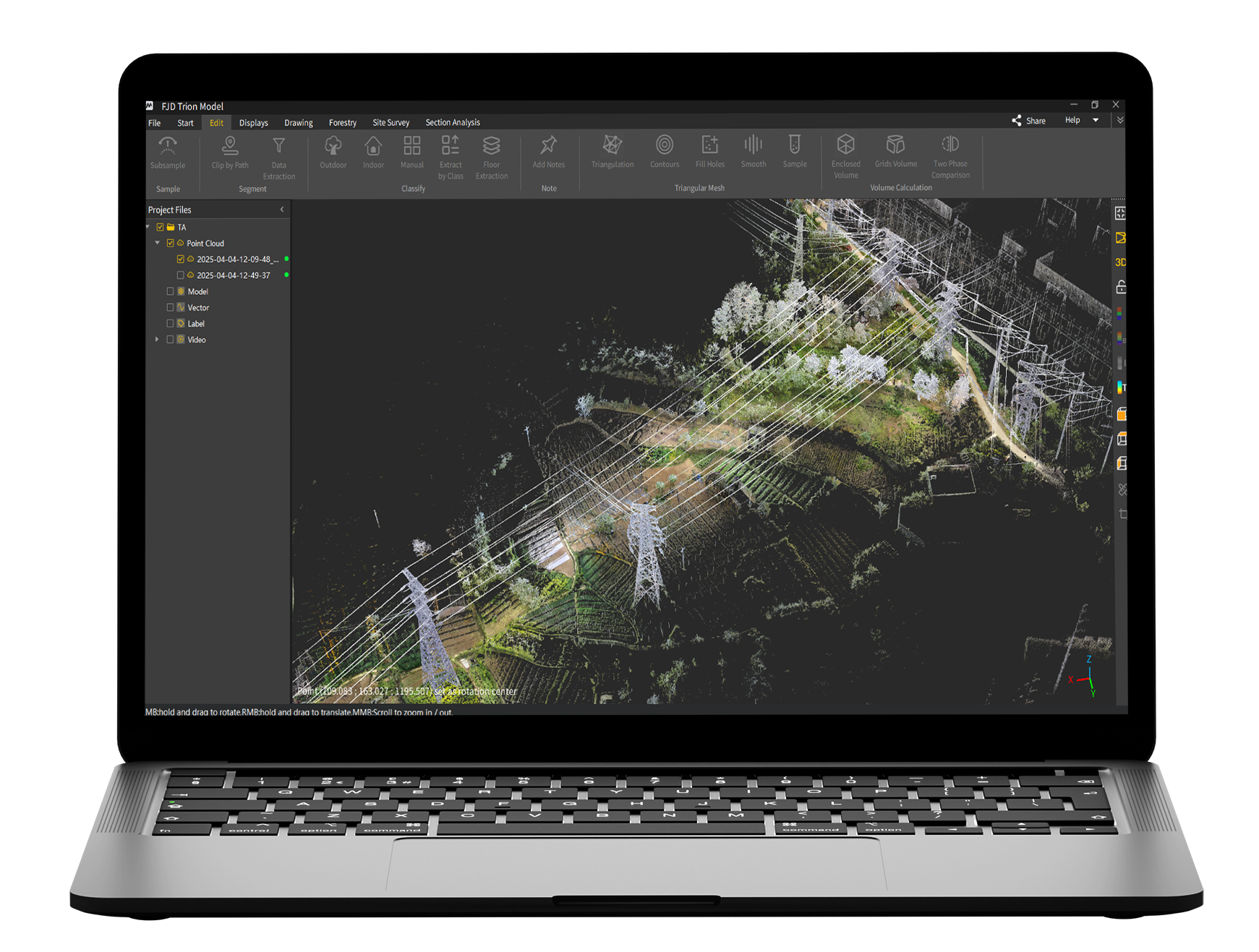
Supports various data sources. FJD Trion Model supports data collected from handheld scanners, static scanners, airborne lidars, and autonomous vehicles, and supports popular point cloud data formats, such as LAS, PLY, PTS, and E57.
All-in-One Solution. In addition to basic point cloud processing, point cloud colorization and georeferencing capabilities, FJD Trion Model also intergrates various industry-specific applications, such as urban plan, forestry, mining and robot mapping.
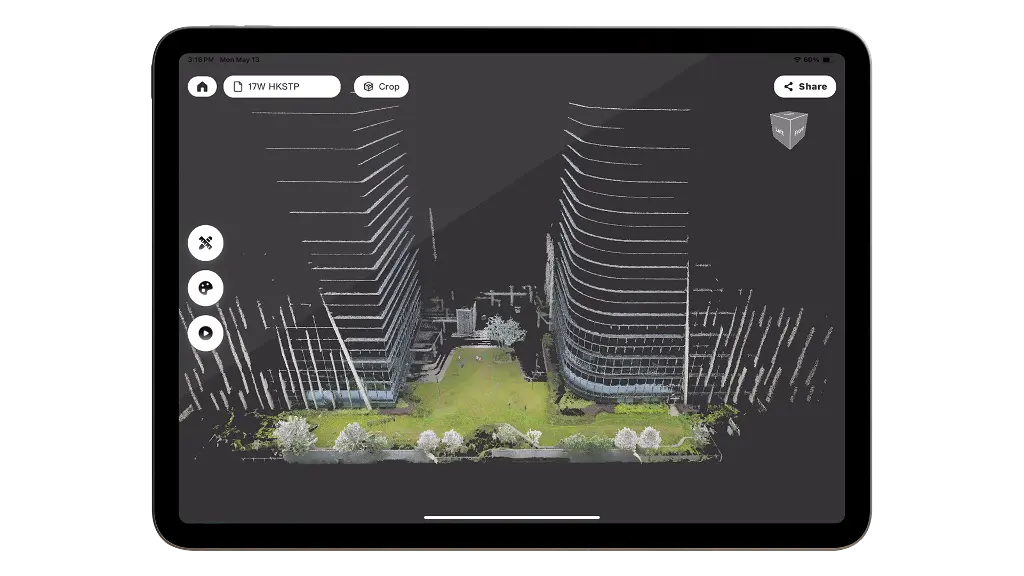
Point Cloud Rendering. With full attribute point cloud rendering such as intensity, elevation and GPS time, point cloud is simple and easy to understand.

FJD Trion Model Point Cloud Processing Software
3D Gaussian Splatting
Essential Processing Functions
 | One-Click CorrectionCorrect point cloud tilt with a single click. |
Profile AnalysisMeasure and display multiple cross-sections to evaluate point cloud data quality. | |
Volume CalculationCalculate stockpile and enclosed volumes. | |
Auto ClassificationAutomatically classify point cloud data related to buildings, trees, and geological features for urban planning, forestry, and mineral exploration. |
One-Click CorrectionCorrect point cloud tilt with a single click. |
Profile AnalysisMeasure and display multiple cross-sections to evaluate point cloud data quality. |
Volume CalculationCalculate stockpile and enclosed volumes. |
Auto ClassificationAutomatically classify point cloud data related to buildings, trees, and geological features for urban planning, forestry, and mineral exploration. |
Professional Applications
Auto Contour ExtractionExtract vector contour lines from point cloud data with one click. | Forestry ParametersEdit segmentation results to extract tree location, height, and crown width, and batch-extract attributes to create reports that provide valuable forest survey, management, and planning insights. |
 | Recommended system requirements for FJD Trion Model App  |
Simpler Point Cloud Processing
Clearer Point Cloud Rendering Effect
Faster Sharing after Post-processing
Application Scenarios

Residential Real Estate

Travel & Hospitality

Commercial Real Estate

Architecture, Engineering &Construction
Comparison
- Similarities
Basic Version
Pro Version
Yes
Yes
Yes
Yes
Yes
Yes
Yes
Yes
Yes
Yes
Yes
Yes
Yes
Yes
Yes
Yes
Yes
Yes
Yes
Yes
Yes
Yes
Yes
Yes
Yes
Yes
Yes
Yes
Yes
Yes
Yes
Yes
Yes
Yes
Yes
Yes
Yes
Yes
Comparison
- Differences
Basic Version
Pro Version
No
Yes
No
Yes
No
Yes
No
Yes
No
Yes
No
Yes
No
Yes

FAQ
Q1: How to install FJD Trion Model?
Unzip the installation package and double-click the installer to follow the instructions.
Q2: How to activate FJD Trion Model?
You can activate it by activation code or dongle based on your actual needs. Go to the License setting window, choose Activation code to activate by activation code, or choose Encryption Lock to activate by encryption lock.
Q3: How to access User Manual?
The user manual is embedded in FJD Trion Model, and you can search this manual for specific operations.
Click Help, and select Manual in the drop-down list.
Q4: What operating system does FJD Trion Model support?
Windows 7 or above (Windows 11 recommended)
Q5: What's the configuration requirement?
Recommended configuration:
Processor: Intel® CoreTM i7-10700 CPU @ 2.90 GHz (or an AMD CPU with equal performance)
Memory: 32 GB
Graphics card: NVIDIA GeForce GTX 1650 Ti 4G
Hard disk drive: 64 GB
Screen resolution: 1680 × 1050 or above
Dot matrix, inkjet, and laser printers
Minimum configuration:
Processor: Intel® Core TM i5-2300 CPU @ 3.10 GHz (or an AMD CPU with equal performance) or above
Memory: 8 GB
Graphics card: Graphics 630
Hard disk drive: 32 GB
Screen resolution: 1680 × 1050 or above
Dot matrix, inkjet, and laser printers